
Customer visits
Check in at a customer's site, say who you are seeing and why, then record how it went and the next step when you leave.
Start a visit
- Tap +, then Visit check-in. Or tap Visit on a lead, or Check in on a planned visit.
- Under Who are you visiting?, start typing to pick one of your leads. Or type a new company and person under Someone new.
- Under Why?, choose one if you like: Follow-up, Technical meeting, Quotation, Delivery, Payment, Service, New prospect or Other. Add a few words if you like.
- Take a photo if your manager asks for one. See Check-in photos.
- Tap Start visit.
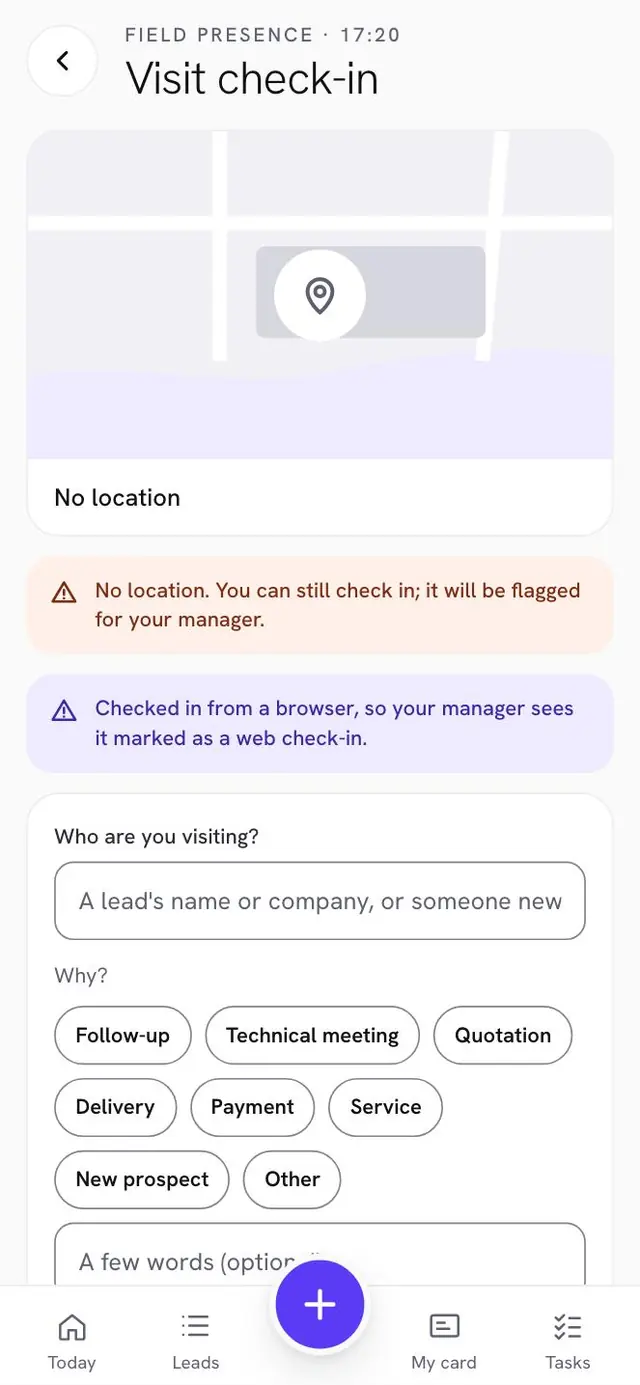
Your location is read once, as for a day check-in. While you are there, Today shows Visit in progress.
End a visit
- Tap End visit on Today.
- Under How did it go?, choose one: Order received, Quotation requested, Interested, Follow-up needed, Not interested or Didn’t meet.
- Add what happened, if you like.
- Under Next step, choose one if there is one, and when. It starts on tomorrow at 09:00. It becomes a task.
- Tap Check out now.
If you visited someone new, the app then offers Save as a lead, unless you did not meet. It opens the lead form with the name and company filled in.
The visit is written on the lead’s history, so your manager sees it in context.
Planned visits
Planned visits shows your site visits in order, under Overdue, Today, This week and Later.
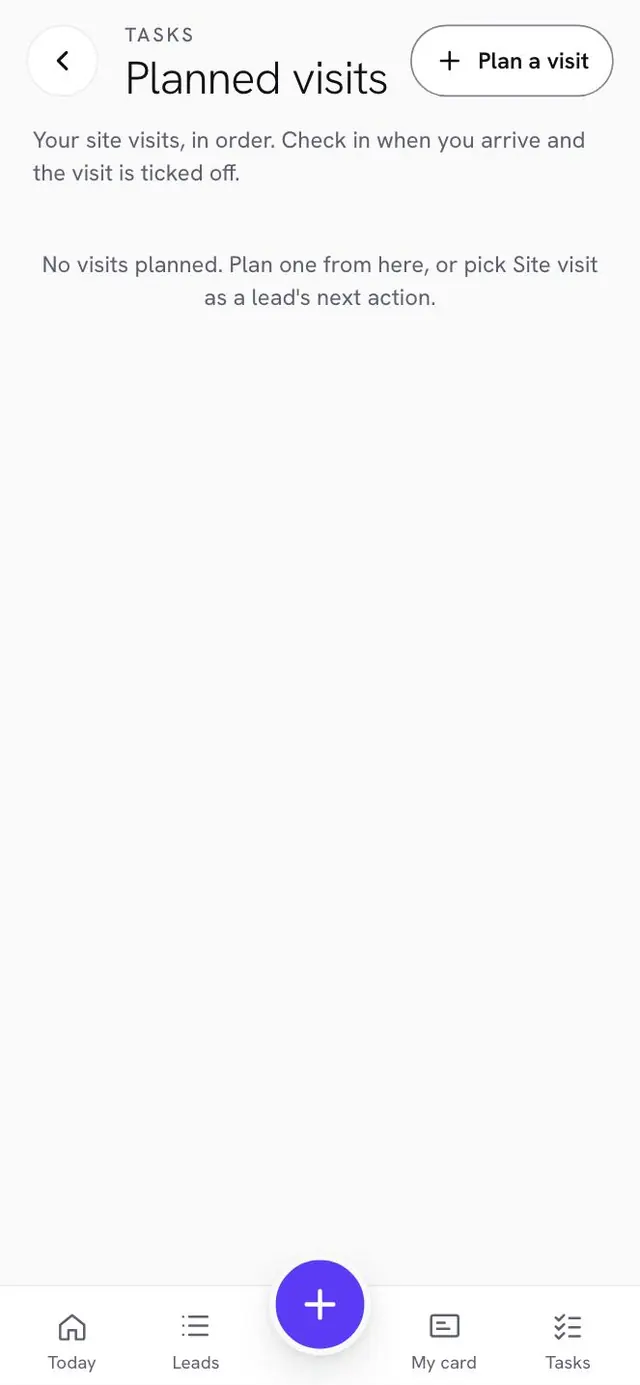
To open it, go to Tasks and tap Planned visits. The link shows once you have a site visit on your list.
To plan one:
- Choose Site visit as a lead’s next action, or
- Tap Plan a visit, which opens a new task already set to Site visit. A visit planned this way is not tied to a lead.
When you arrive, tap Check in on a visit that has a lead. It starts the visit for that lead and ticks the planned visit off.
Good to know
- A visit with no signal is kept on the phone and sent later, with its times.
- The list of leads to pick from is your own.
- Your visits and how they went are in My days.
Still stuck?
Ask your company's admin, or write to hello@lucidarc.ae. Say which screen you were on and what you expected to happen.