
Everyone's cards
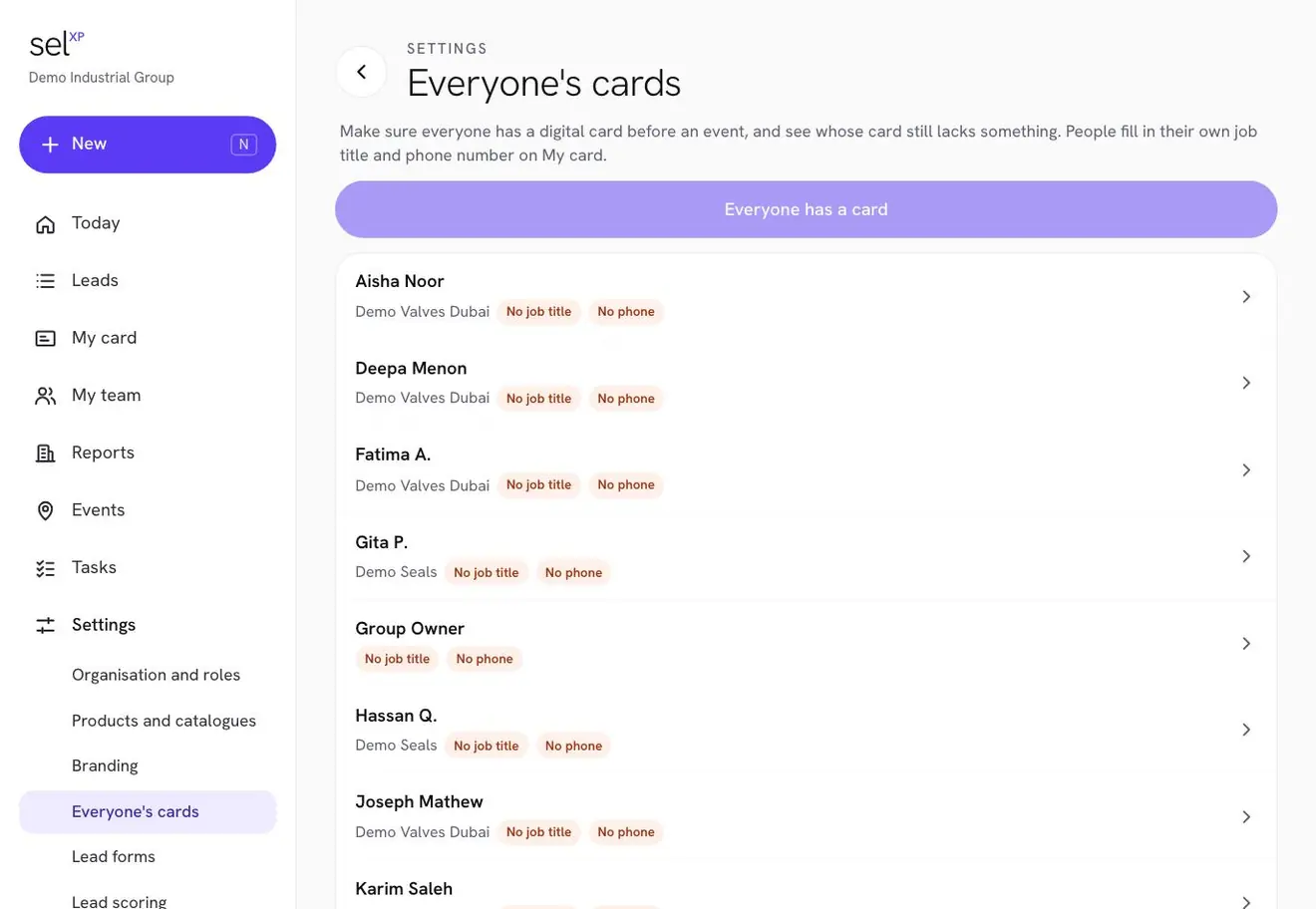
Make sure everyone has a digital card before an event, see what each card lacks, and put one line on every card.
Open Everyone’s cards. Do this before each exhibition.
Make the cards
Tap Make cards for the number of people shown. Everyone with no card gets one. Each person finds theirs under My card. When nobody is left, the button says Everyone has a card.
See what each card lacks
Each person’s row can carry these marks:
| Mark | Meaning |
|---|---|
| Not signed in yet | They have not accepted their invitation. |
| No card | Their card has not been made. |
| No job title | Their card has no job title. |
| No phone | Their card has no phone number. |
People fill in their own job title and phone number on My card. You cannot do it for them here, so remind them.
Put one line on every card
One line for every card is a short line under the name, the same on everyone’s card. It might say what the company does, or give the stand number during a show.
- Type it In English and In Arabic.
- Tap Put it on the number of cards shown.
It replaces whatever each card says there now. Each line can be up to 160 characters.
Good to know
- A super admin sees everyone. An admin sees the people in their own company or branch.
- The colour and logo come from Branding.
Still stuck?
Ask your company's admin, or write to hello@lucidarc.ae. Say which screen you were on and what you expected to happen.