
Cards to review
Where batch-scanned cards wait until you turn them into leads, what each line means, and how to remove one.
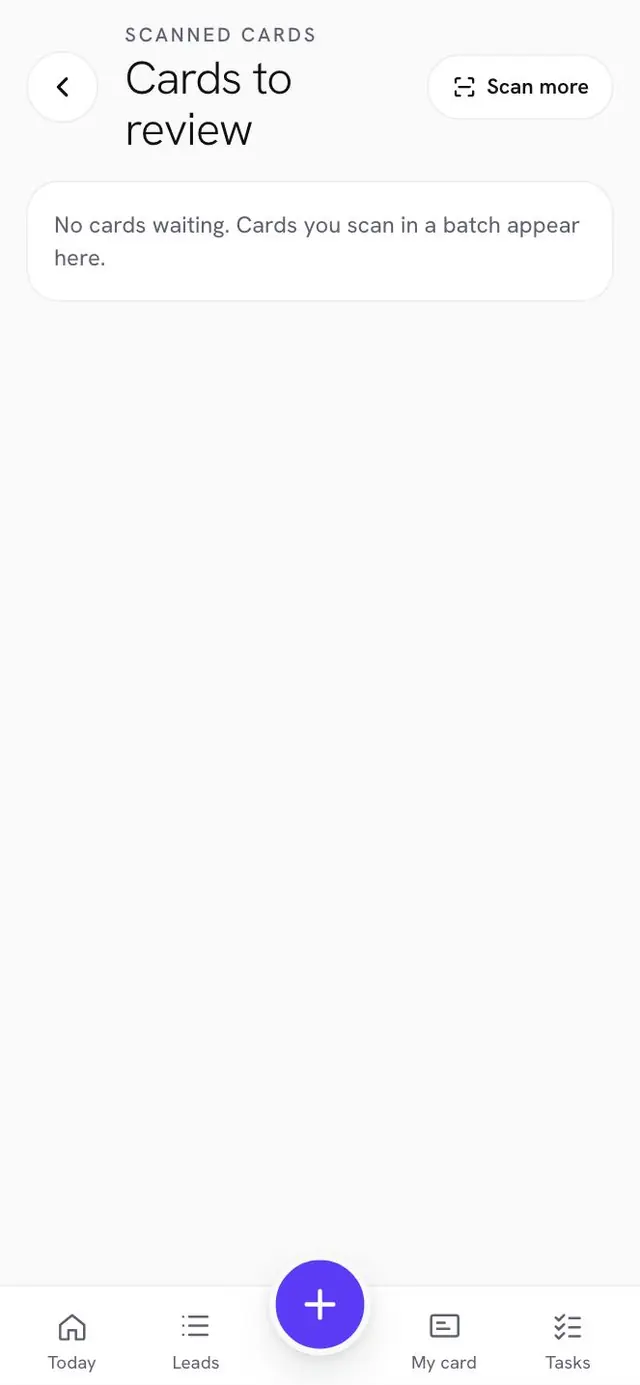
Cards from a batch, or several gallery photos, wait here until you review them.
Open the list
On Today, tap Scanned cards to review. The line shows how many are waiting, and only appears when there are some. You can also choose Review now after a batch.
Review a card
- Tap a card. The same form opens as for a single scan, already filled in.
- Check the details, and the event.
- Add what they want and how hot the lead is.
- Tap Save only or Save and follow up. The card leaves the list.
What each line says
| What you see | What it means |
|---|---|
| A name and company | Read, and nothing looks doubtful |
| 2 to check | Read, with two fields to look at |
| Reading… | Still being read. The list updates by itself |
| Not read. Open it and type the details. | It could not be read. The photo is still there |
Other things on this screen
- Scan more opens the batch scanner.
- Remove takes a card off the list without making a lead. Use it for a duplicate or a blurred photo. It goes at once, with no question first.
- “2 more are still on this phone” means those cards are waiting for a signal. They join the list once sent.
The list needs a connection. With no signal, it is not shown on Today.
Still stuck?
Ask your company's admin, or write to hello@lucidarc.ae. Say which screen you were on and what you expected to happen.