
Lead scoring
Set what makes a lead hot, warm or cold: the points for each rule, where warm and hot begin, and what counts as a large opportunity.
The same rules apply to everyone in the workspace. Open Lead scoring. Only super admins can open it.
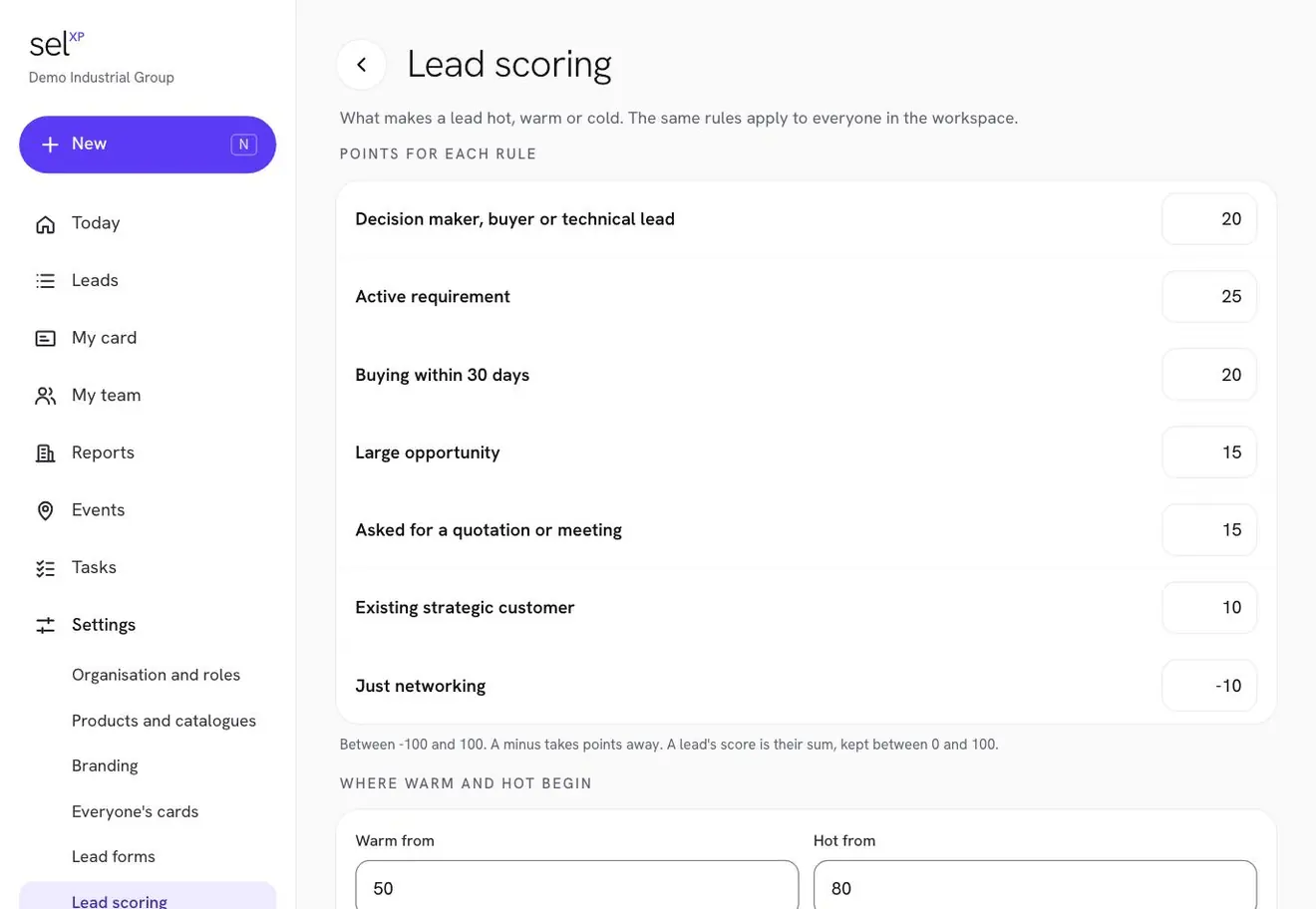
Points for each rule
Each rule can be worth between -100 and 100. A minus takes points away. A lead’s score is the sum, kept between 0 and 100.
| Rule | Standard points |
|---|---|
| Decision maker, buyer or technical lead | 20 |
| Active requirement | 25 |
| Buying within 30 days | 20 |
| Large opportunity | 15 |
| Asked for a quotation or meeting | 15 |
| Existing strategic customer | 10 |
| Just networking | -10 |
Answers to your own questions can add points too. See Lead forms.
Where warm and hot begin
Set Warm from and Hot from. The standard is warm from 50 and hot from 80. Both must be between 1 and 100, and warm must begin below hot.
A worked example under the numbers shows how a decision maker with an active requirement, buying within 30 days, would come out. It changes as you type.
A large opportunity
This is the value from which a lead earns the Large opportunity points.
- Type a currency code, such as SAR, and From this value.
- Tap Add a currency for each other currency you sell in, up to ten.
A currency left out never earns these points. So until you add one, no lead earns them.
Save
Tap Save and re-score. Every lead is scored again from its answers, and the app says how many changed. A temperature someone set by hand stays as they set it.
Use the standard rules goes back to the start. It appears once you have your own rules, and also re-scores.
Good to know
- Change the rules after your first exhibition, when you can see which leads really turned into business.
- You need a connection to change the rules.
- Reps see why a lead has its score on the lead itself.
Still stuck?
Ask your company's admin, or write to hello@lucidarc.ae. Say which screen you were on and what you expected to happen.