
Support access
Approve or refuse when our support team asks to look inside your workspace, and end their access at any time.
When our support team needs to look inside your workspace to help you, they ask here first. Nobody gets in unless you approve it. Open Support access. Only super admins can open it.
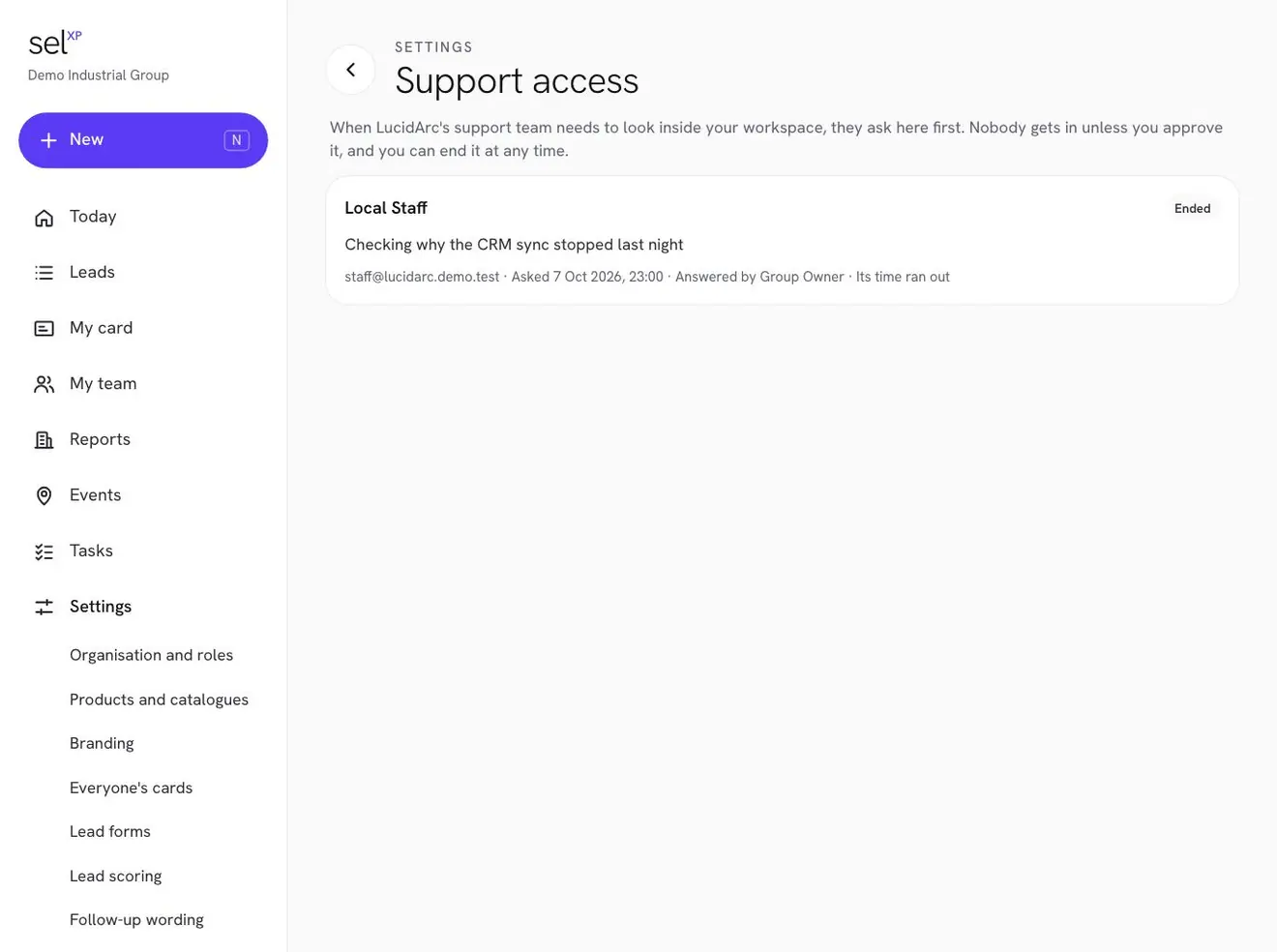
Answer a request
You get an email when someone asks. Each request says who asked, why and for how many hours, up to 72.
- Approve lets them in for those hours.
- Refuse does not.
While they are inside
- They can see and change everything a super admin can, except adding or changing people.
- What they do is recorded under their name.
- They do not use a seat.
- End now closes it at any time. Otherwise it ends when its time runs out.
What each state means
| State | Meaning |
|---|---|
| Waiting for your answer | Nobody is in yet. |
| Inside now | They are in, until the time shown. |
| Refused | You said no. |
| Ended | It is over. The list says whether your workspace ended it, we did, or its time ran out. |
Good to know
- The list also says who answered each request.
- See Get help for how to reach us.
Still stuck?
Ask your company's admin, or write to hello@lucidarc.ae. Say which screen you were on and what you expected to happen.